



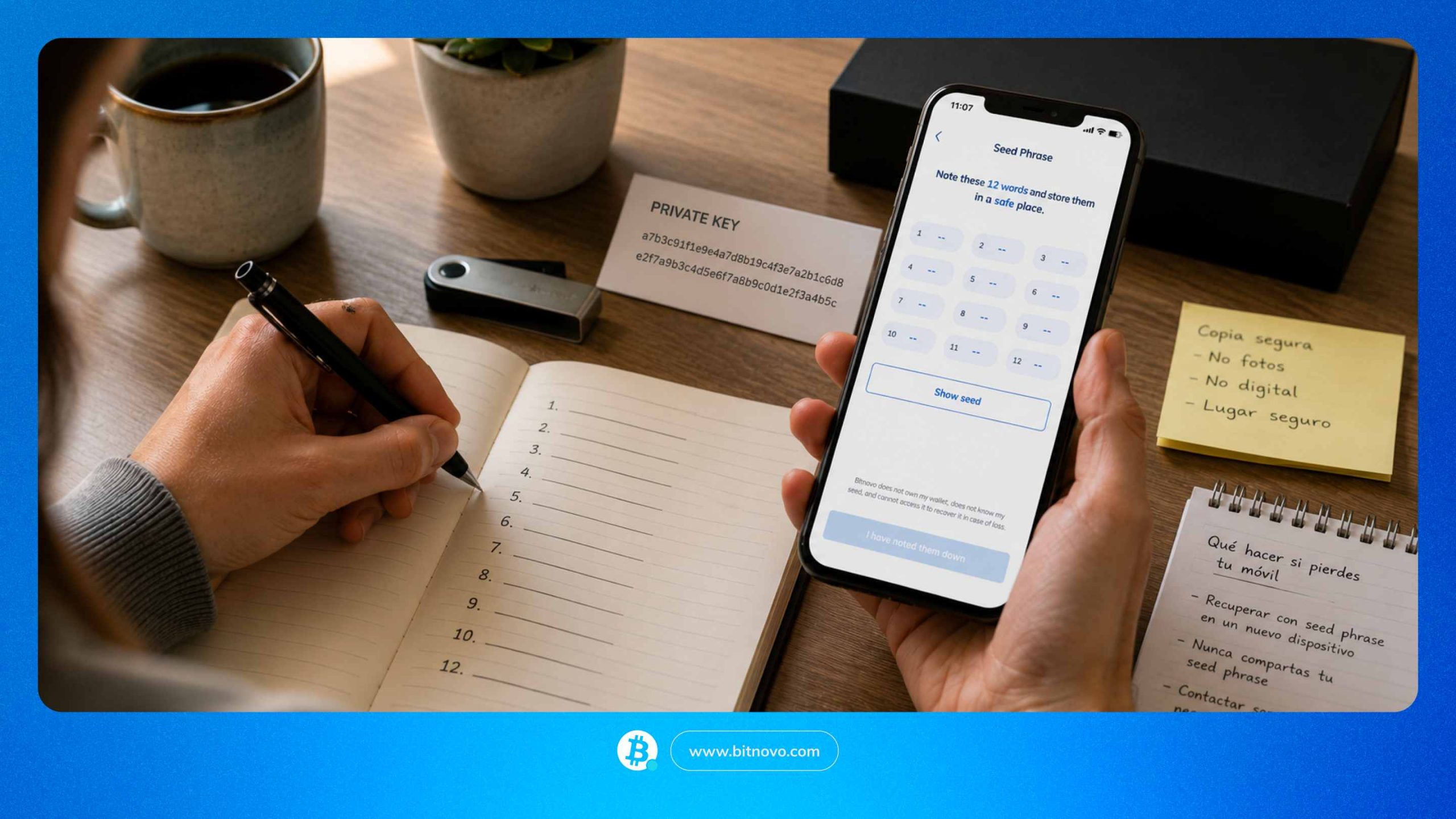
Bitnovo Wallet is a non-custodial wallet. The keys to your funds are yours, and yours only: no one can move your crypto without your authorisation, not even Bitnovo. You decide what to do with your funds, when to do it, and from where. For that control to work properly, there are three things you need to understand clearly: what a private key is, what a seed phrase is, and how to store them safely.
What non-custodial means
There are two types of wallets: custodial and non-custodial. In a custodial wallet, a company stores your private keys for you. That means they have real control over your funds, even if the funds belong to you. If the company runs into problems, shuts down, loses its licence, or decides to block your account, your funds can get stuck. It has happened before, and it will happen again.
Bitnovo Wallet works differently. It is non-custodial: the keys are yours, and yours only. No one can move your funds without your authorisation. Not Bitnovo, not anyone else. If Bitnovo disappeared tomorrow, your funds would still be exactly where they are, on the blockchain, accessible with your seed phrase from any compatible wallet. That is what real control means. But it also means that keeping those keys safe is your responsibility, not a company’s.
What a private key is and why you should never share it
Every wallet has a private key. It is a string of characters that authorises any transaction leaving your wallet. It is not a password you can change if someone discovers it. It cannot be reset, you cannot request a new one, and it is not stored on any server. It is the master key to your funds, and it only exists on your device.
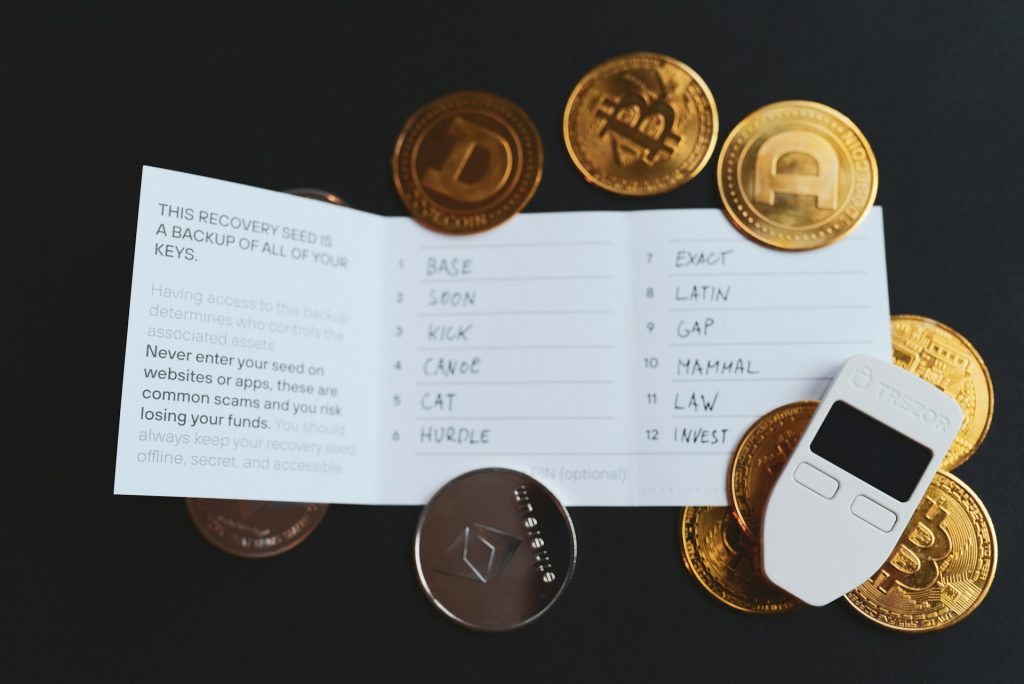
Anyone who has your private key has full control over your funds. They can empty your wallet in minutes, from anywhere in the world, and there is nothing you can do to stop it. There is no way to revoke it, no way to block the transaction once it has been confirmed on the blockchain, and no way to recover what has been moved. That is how blockchain works: transactions are final.
The rule is simple: never share it. Not with someone claiming to be “support”, not with anyone saying they are from Bitnovo, and not with any platform that asks for it. If someone asks for your private key, it is an attempt to steal from you. No exceptions. No legitimate service needs it to help you, because no legitimate service should have access to your funds.
The 12-word seed phrase: what it is and what it is for
Bitnovo Wallet generates a 12-word seed phrase linked to your wallet. You can view it at any time from the app settings. Those 12 words, in that exact order, are the only way to recover access to your wallet if you lose your phone, replace it, or uninstall the app.
A seed phrase is not a password. A password protects access to an account hosted on a company’s server. A seed phrase is different: it is the readable representation of your private key. With it, anyone can restore your entire wallet on any compatible device and access all your funds. They do not need your email, your username, or your permission. Just the 12 words in the correct order.
Without it, if you lose your phone, access is lost permanently. There is no recovery process, no form to fill out, and no support team that can help you. Your funds will still be on the blockchain, but you will not be able to access them.
Write it down when the app shows it to you. Do not leave it for later. Many people think they will do it afterwards, and afterwards never comes.
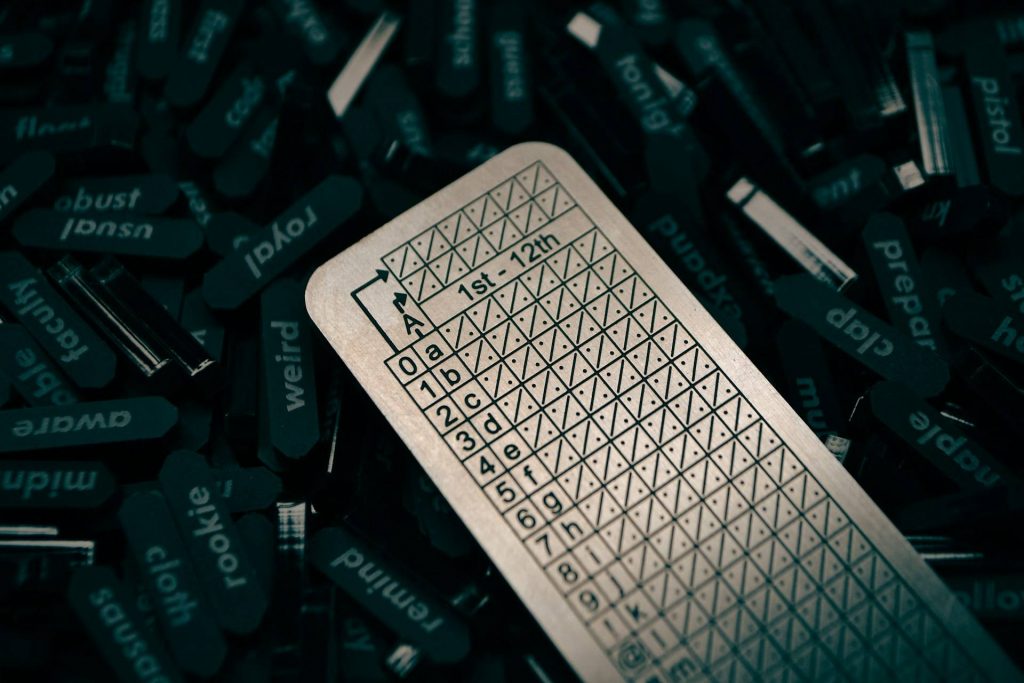
How to store your seed phrase
This is where most mistakes happen. Your seed phrase is a combination of 12 words that gives full access to your funds. Storing it badly is the same as not storing it at all.
These are the only reasonably safe ways to do it:
On paper, but only if it goes into a safe or a place with equivalent security. A piece of paper in a drawer, inside a book, or in a folder is not enough. Anyone who gets access to that paper gets access to your wallet. Paper also has its own risks: it can get wet, burn, or be lost during a move. If you choose this option, treat it for what it is: a document worth exactly as much as your funds.
A physical key storage device, such as Yoseyomo, designed specifically to keep this information offline. It does not connect to Wi-Fi, it has no Bluetooth, and it does not store data in the cloud. The information is recorded on a physical support that only you can access. It is the safest option for anyone who wants to protect their funds long term.
What you should never do under any circumstances:
- Store it in your phone notes. If someone gets access to your phone, they get access to your funds.
- Send it by email or message. Any messaging service stores history on servers that can be compromised.
- Upload it to Google Drive, iCloud, or any cloud service. A breach of your Google or Apple account directly exposes your 12 words.
Photograph it with your phone. Photos are automatically synced to the cloud on most devices.
If you lose both your seed phrase and your phone at the same time, there is no way to recover your funds. None. That is why the way you store those 12 words is not a small detail: it is the most important security decision you will make with your crypto.
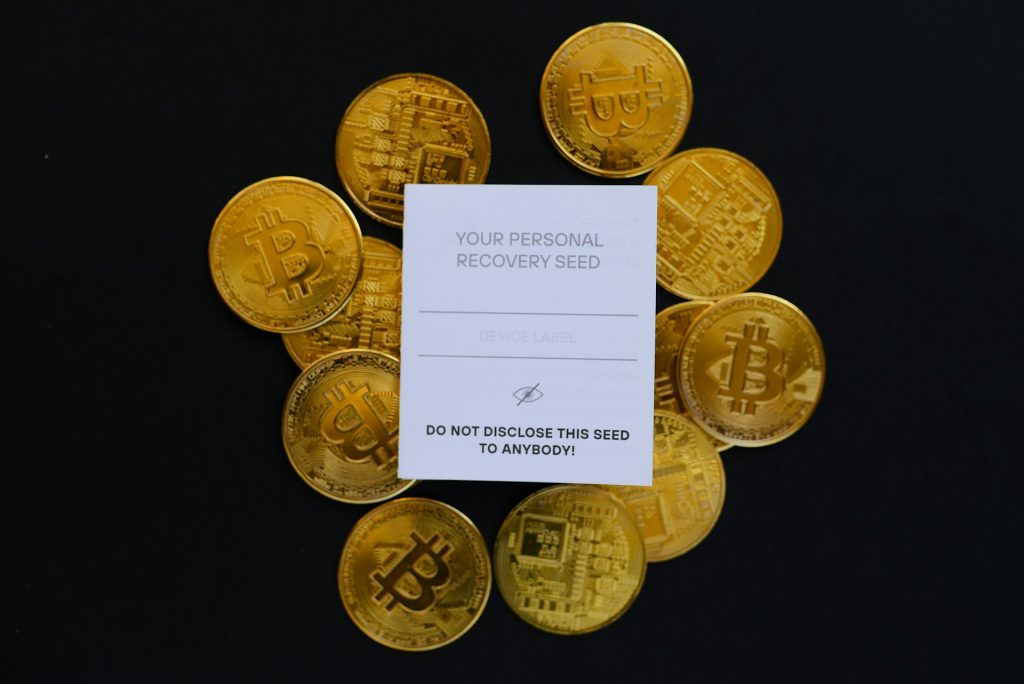
What happens if you lose your phone
If you lose your phone but have your seed phrase stored safely, the problem can be solved. Install Bitnovo Wallet on another device, select the option to restore a wallet, and enter the 12 words in the exact order in which they were generated. Your funds will still be there.
Your cryptocurrencies are not stored on your phone. They are on the blockchain. Your phone is only the tool you use to access them. If the tool disappears but you have the seed phrase, you can access them from any other device.
Without the seed phrase, access is lost permanently. There is no email recovery and no customer support team that can help you. That is why storing it properly is not optional.
Other security measures inside the app
Bitnovo Wallet lets you activate biometric authentication, such as fingerprint or facial recognition, as well as a security PIN to access the app. Activate both. Biometrics protect you if someone has your phone in their hand: without your fingerprint or your face, they cannot open the app. The PIN acts as a second barrier if biometrics fail or if the device does not support them.
These measures protect access to the app on that specific device. If someone gets hold of your unlocked phone and you have neither a PIN nor biometrics activated, they could open Bitnovo Wallet and operate with your funds. Activating both options takes less than a minute and closes that door.
But you need to be clear about what these measures do not do: they do not protect your seed phrase. If someone has your 12 words, they can restore your wallet on another device and access your funds without touching your phone. Biometrics and PIN protect the app. The seed phrase protects the wallet. They are two different layers, and both are necessary.
The most common mistakes that compromise security
These are the mistakes that happen most often:
- Taking a screenshot of the seed phrase when the app shows it. Photos are automatically synced on many phones and can end up exposed in the cloud.
- Storing it in Google Drive or iCloud. If someone accesses your Google or Apple account, they also access your 12 words.
- Sharing it with someone who says they need it to help you. No one with legitimate access to your wallet needs your seed phrase.
- Using Bitnovo Wallet on a device with malware or software from unknown sources. A compromised device can capture what you type or what appears on screen.
- Downloading fake apps pretending to be Bitnovo Wallet. Always download the app from official stores and check that the developer is Bitnovo.
Bitnovo Wallet gives you full control over your funds. No one can block them, confiscate them, or move them without your authorisation. That control is what makes a non-custodial wallet valuable.
But that control comes with a responsibility you cannot delegate: safeguarding your seed phrase. There is no customer support service that can recover access if it is lost. No exceptions. Storing those 12 words properly is the most important security measure you can take with your crypto.