



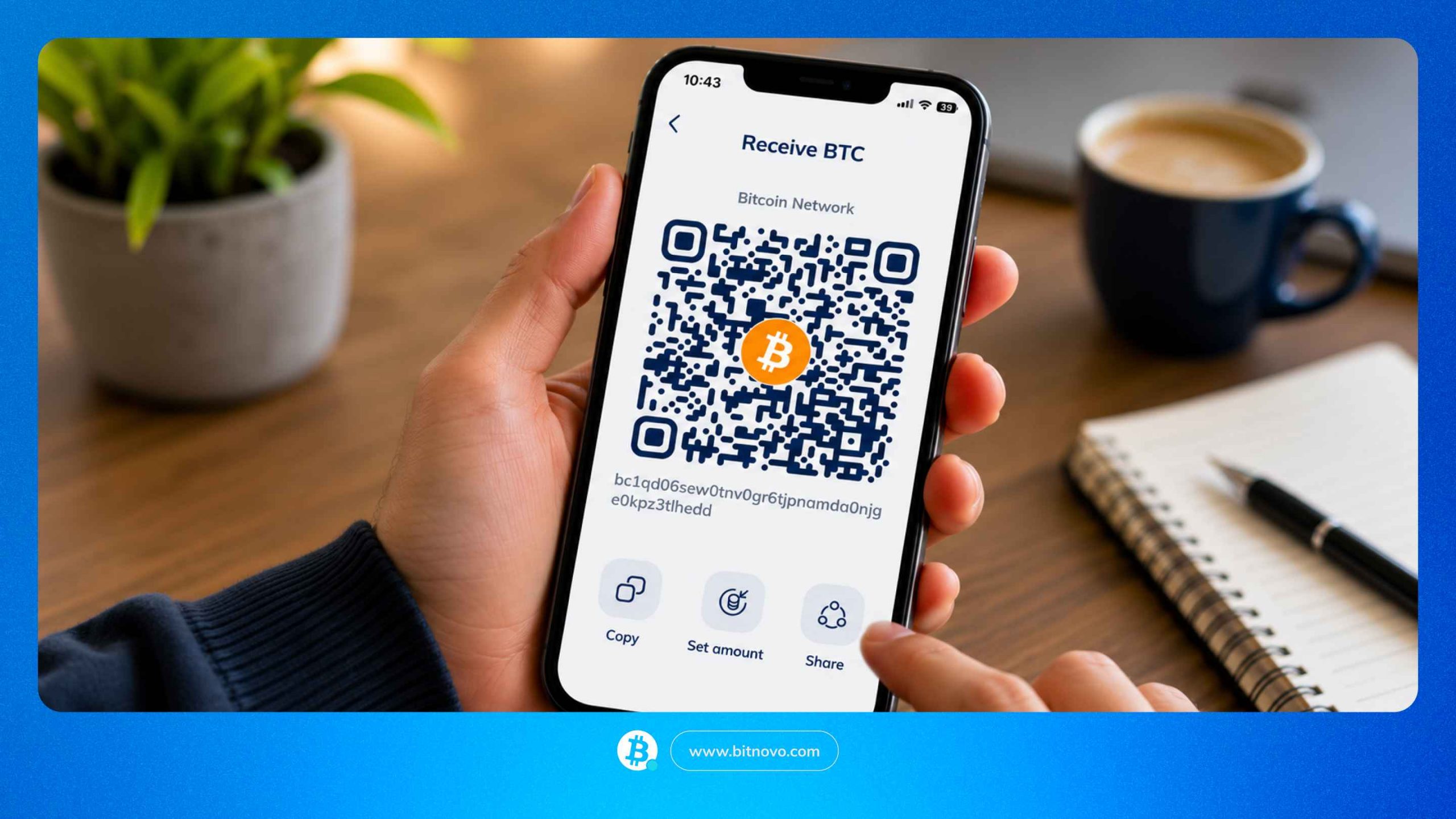
One of the most basic functions of any wallet is moving crypto: receiving it when you buy it or when someone sends it to you and sending it when you want to use it or transfer it. With Bitnovo Wallet, you can do both from the app. It sounds simple, and it is, but there are a few details you should be clear on before tapping confirm. Here, we explain how the process works and what you need to keep in mind to avoid mistakes.
What you need before you start
Before sending or receiving crypto, you need to have Bitnovo Wallet installed, your account created and identity verification completed. Verification is a quick process that you can complete directly in the app using your identity document. Without it, you will not be able to operate.
To receive cryptocurrency, all you need is your wallet address or your QR code. You do not need to have funds already: you can receive your first cryptocurrency from any external wallet or platform.
To send crypto, you need to have available funds in Bitnovo Wallet and know the recipient’s wallet address. You can enter that address manually or scan a QR code. You also need to know which cryptocurrency you are sending and which network you are using, because once the transaction is confirmed on the blockchain, it cannot be undone.
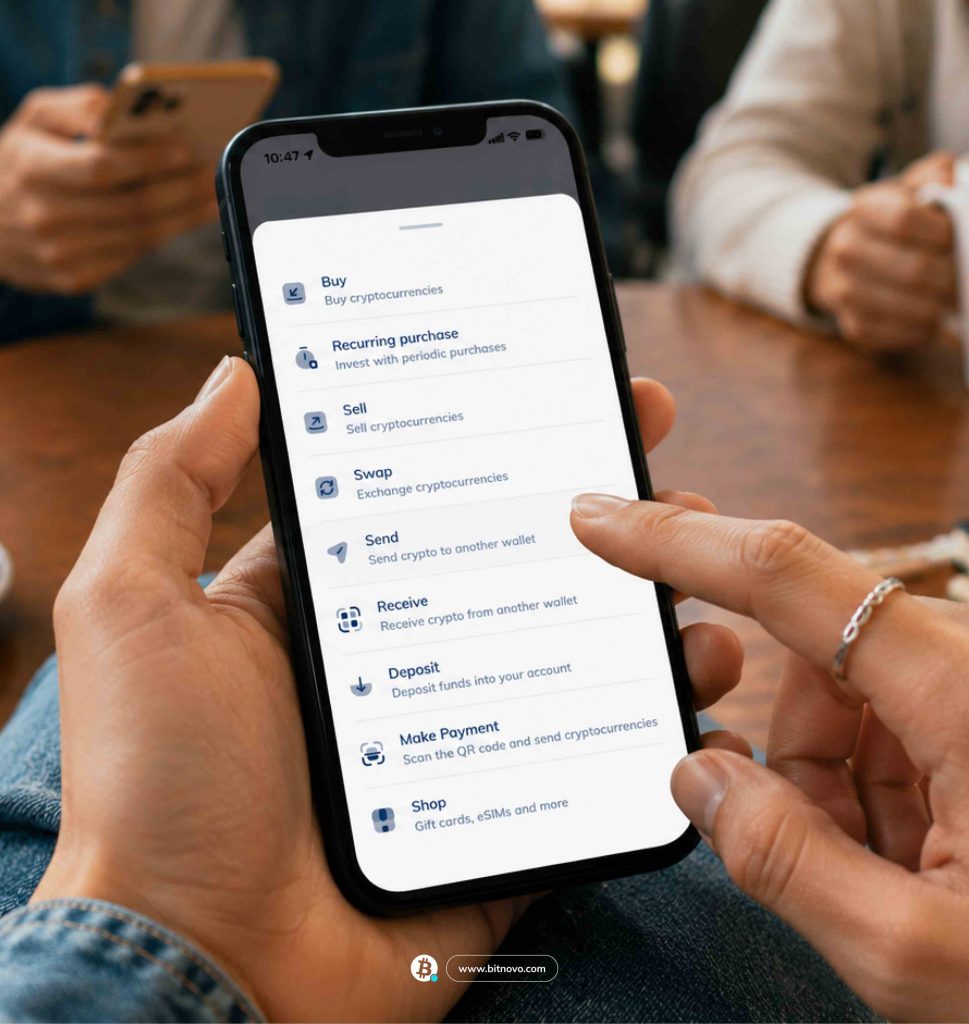
How to receive cryptocurrency in Bitnovo Wallet
Each cryptocurrency has its own wallet address inside the app. To receive funds, select the cryptocurrency you expect to receive and copy the address shown in the app, or share the associated QR code directly. That address is unique to that cryptocurrency: if someone is sending you Bitcoin, you need to give them your Bitcoin address, not your Ethereum address or any other one.
Share that address or QR code with the person or platform that is going to send you the funds. Do not share anything else: your receiving address is public and is designed to be shared. It does not give access to your funds or your private key. The only thing it allows someone to do is send crypto to that specific address.
Once the transaction is confirmed on the blockchain, the funds will appear in Bitnovo Wallet. The time it takes depends on the network: some cryptocurrencies are confirmed in seconds, while others can take a few minutes. If the funds do not appear immediately, that does not mean something has gone wrong. The network may simply still be processing the transaction.
How to send cryptocurrency from Bitnovo Wallet
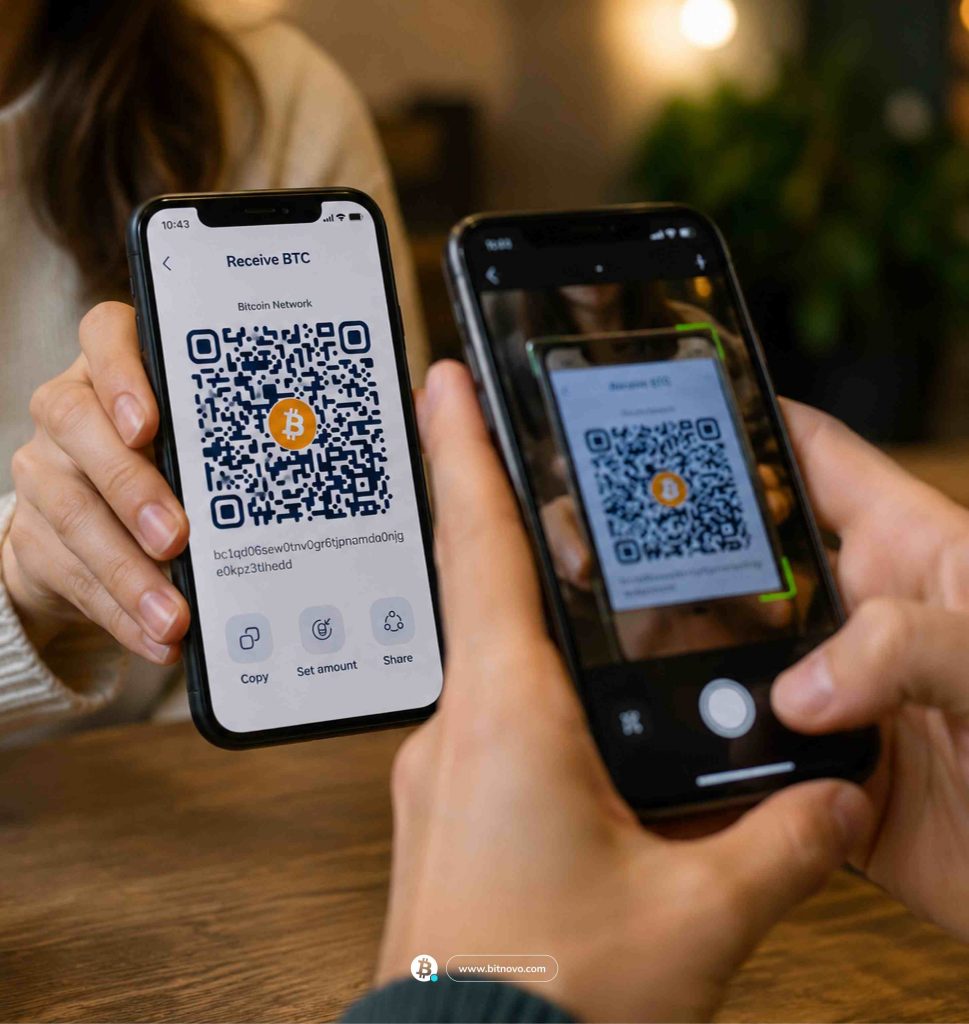
To send crypto, you need the recipient’s wallet address. You can enter it manually by copying and pasting the address, or you can scan their QR code from the app. The QR code is the safer option because it removes the risk of copying the address incorrectly.
Select the cryptocurrency you want to send and enter the amount. Bitnovo Wallet will show you a transaction summary with all the details before it is executed: cryptocurrency, amount, destination address and network. That summary is your last chance to check that everything is correct.
Once you confirm the send, the transaction is registered on the blockchain. From that moment on, it cannot be cancelled, changed or reversed. There is no undo button, and no technical support team can intervene. The funds will reach the recipient in the time it takes the network to process the transaction. If the address is correct and the network matches, the transfer will be completed without any issues.
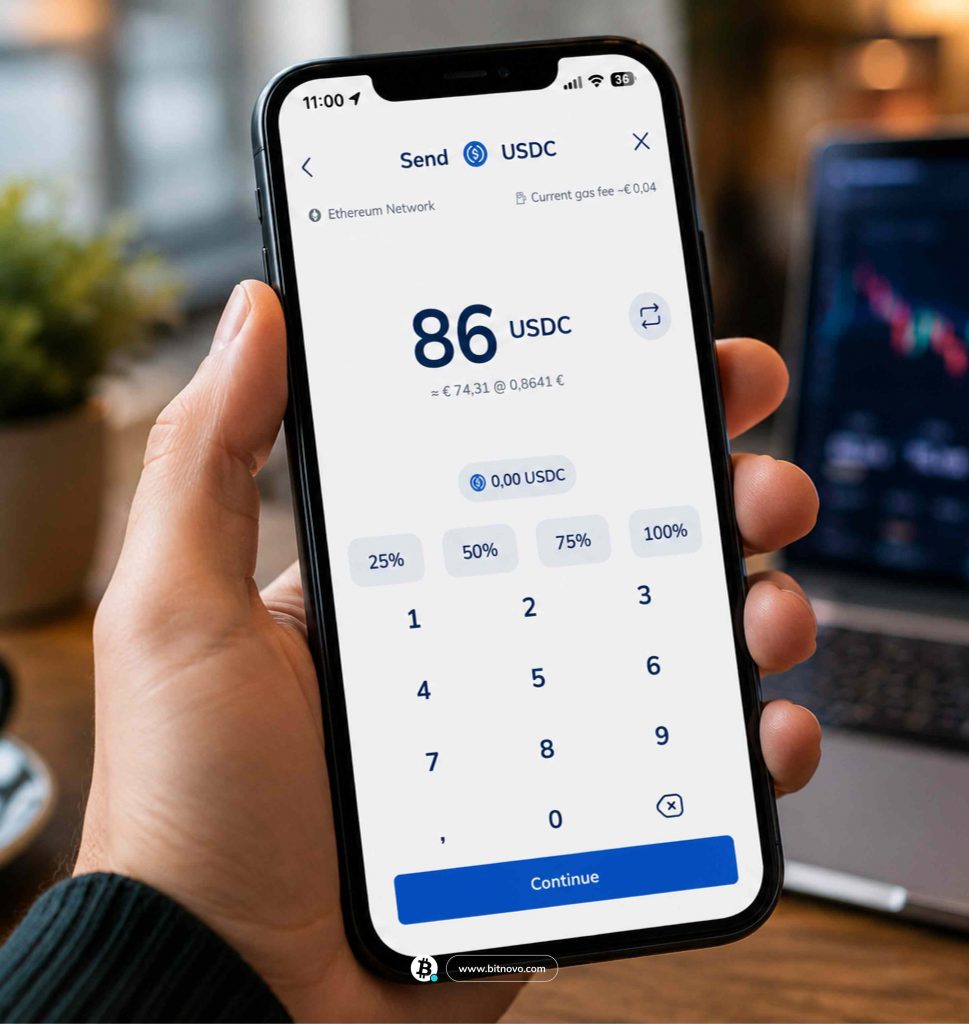
The importance of checking the address, cryptocurrency and network
Blockchain transactions are irreversible. If you send funds to the wrong address, use the wrong network or select a different cryptocurrency from the one the recipient is expecting, the funds cannot be recovered. No technical support team can undo a transaction confirmed on the blockchain. There is no claims process. The funds are lost.
A concrete example: sending ETH on one network is not the same as sending it on another, even if the destination address looks identical. If the network does not match, the funds may be lost. Another example: if someone asks you to send them USDT on the Ethereum network and you send it through a different network, the recipient may receive nothing.
Before confirming any transfer, always check three things: correct address, correct cryptocurrency, correct network. These three checks take seconds and can be the difference between a successful transfer and funds that disappear.
Using QR codes to send and receive
Copying and pasting a wallet address manually leaves room for error. A wallet address is a long string of alphanumeric characters. A missing letter, an extra number or even a blank space is enough for the funds to go to an address that does not exist or belongs to someone else.
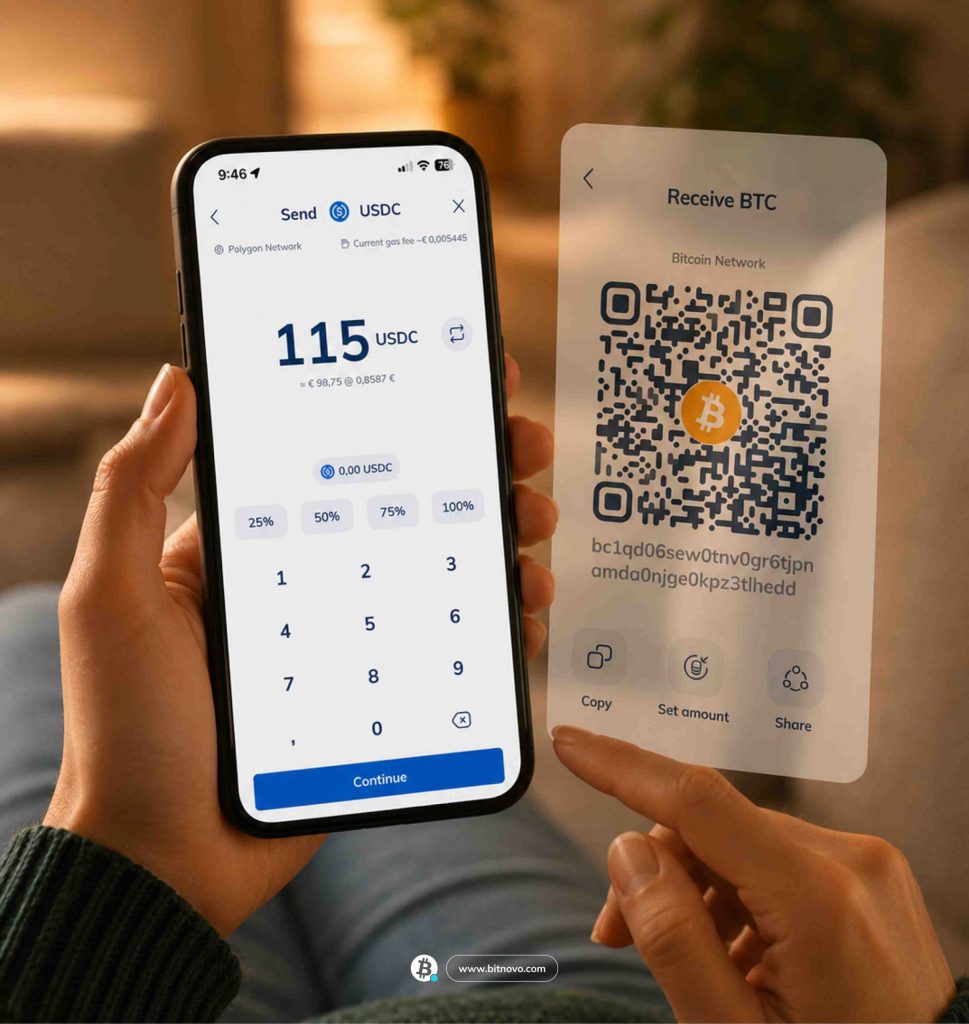
The QR code removes that risk. When receiving, Bitnovo Wallet generates a QR code that the sender can scan directly from their app or wallet. When sending, you can scan the recipient’s QR code instead of copying the address. The app reads the full address from the QR code and enters it automatically, with no risk of transcription errors. It is the safest and fastest way to enter a wallet address.
Common mistakes when sending crypto
These are the most common mistakes when making a transfer:
- Copying a wallet address incorrectly: A single missing or extra character is enough for the funds to go to the wrong address. Always use the QR code or check the address character by character before confirming.
- Selecting a different blockchain network from the one used by the recipient: Not all wallets support the same networks. If you send funds through a network the recipient does not have enabled, the funds may become inaccessible. Before sending, confirm with the recipient which network they expect to receive the funds on.
- Sending a different cryptocurrency from the one expected by the recipient: If someone asks you to send USDT and you send USDC, the transaction may not arrive or may cause confusion. They are different tokens, even though both are linked to the dollar. Always confirm which cryptocurrency the recipient expects to receive.
- Not checking the transaction summary before confirming: Bitnovo Wallet shows you a summary with all the transfer details before executing it. That is your last moment to spot an error. Read it in full. Check every detail. Once confirmed, there is no going back.
Every time you send crypto from Bitnovo Wallet, check three things: correct address, correct cryptocurrency, correct network. It is only three pieces of information and takes seconds to verify. A transaction confirmed on the blockchain cannot be undone. Those few seconds of checking are the difference between a transfer that arrives safely and funds that are lost.